
Appearance
How to pay interest?
Connect your wallet.
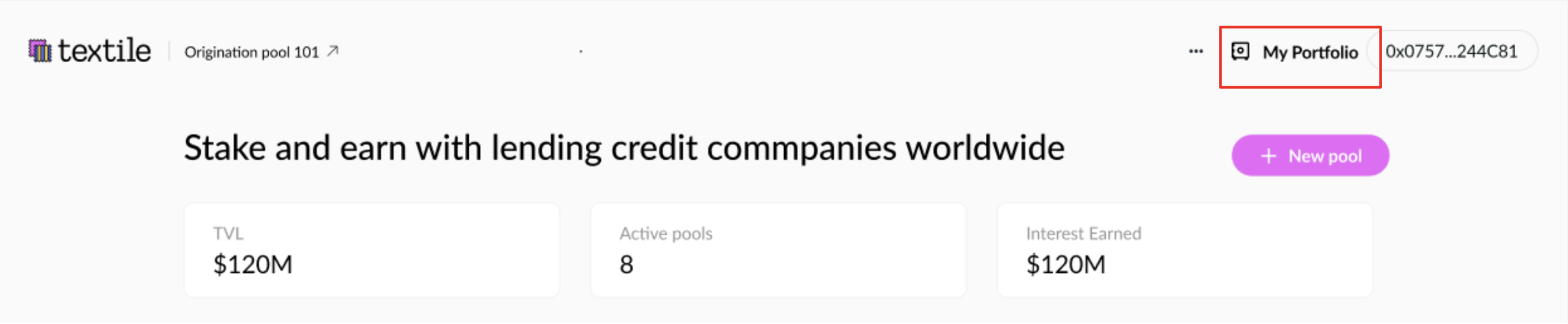
On the home page, go to My Portfolio.
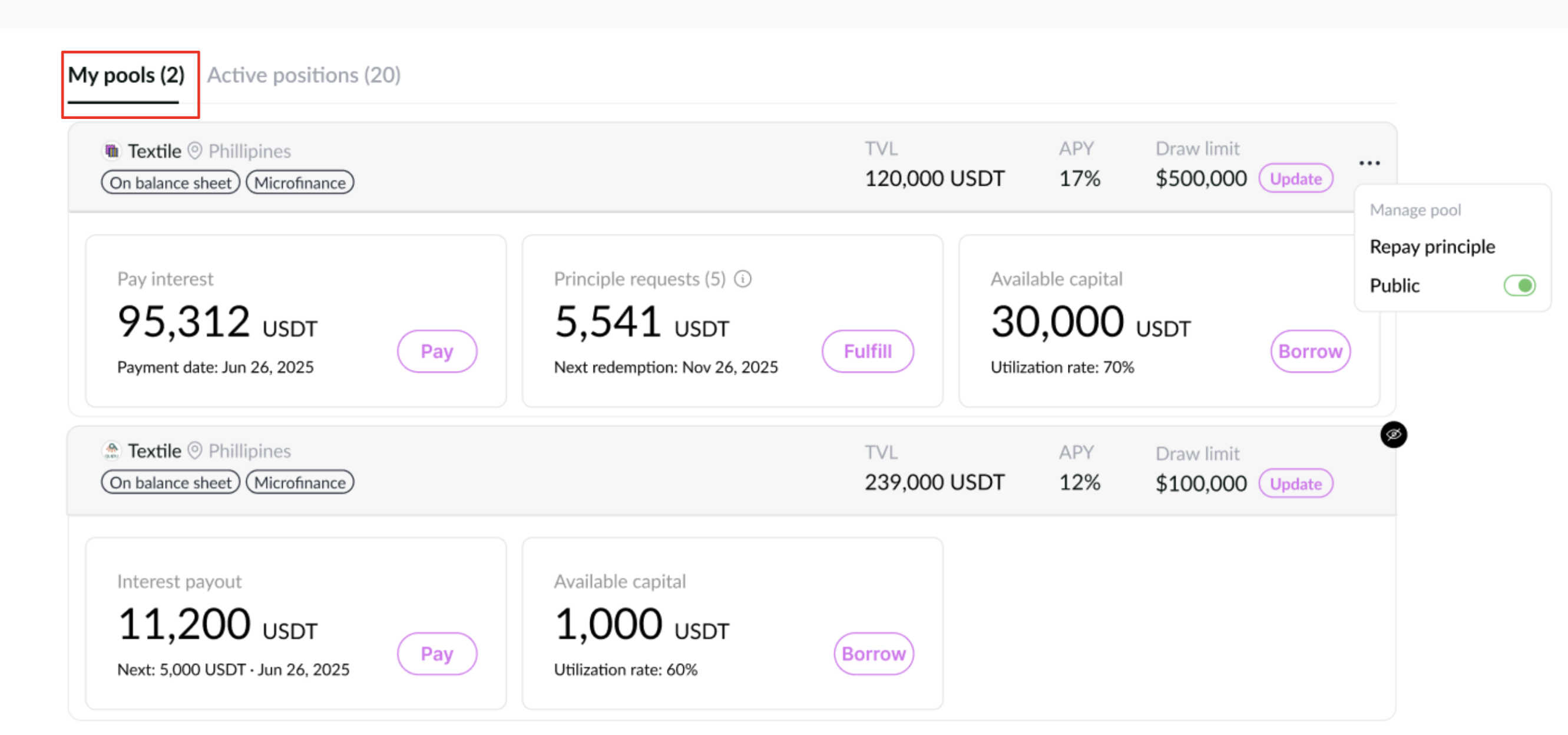
Make sure you’re on My Pools.
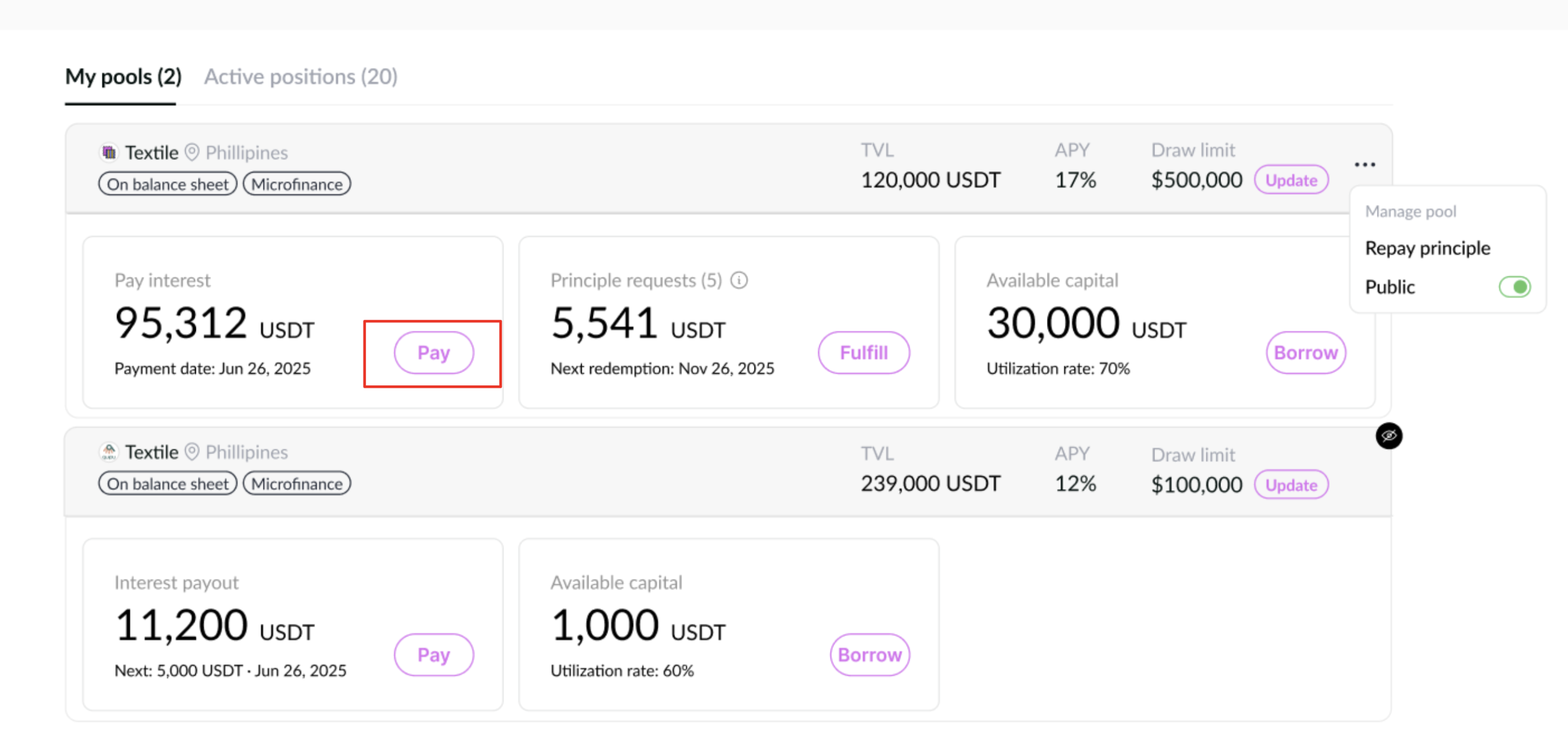
Under Interest payment, click “Pay”. This opens a pop-up where you can choose the payment source:
- From your wallet, or
- From available capital inside the pool.
Under Interest owed, you’ll see the exact amount you must pay now.
Under Available, you’ll see how much balance you have in each source. Clicking any option will auto-fill the payment field.
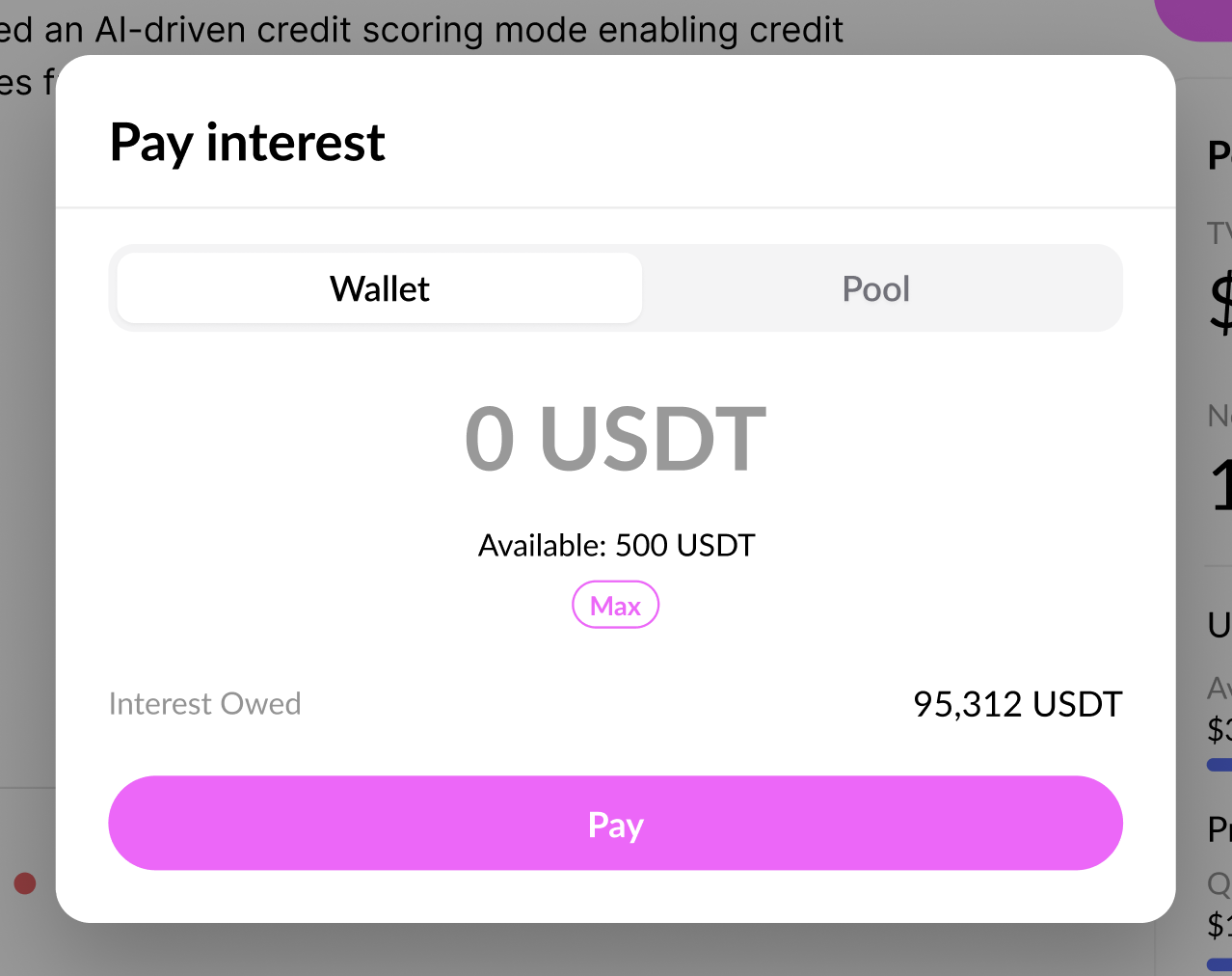
- Click "Pay", “Sign” the transaction, and you’re done.