
Appearance
I staked capital to a pool, where can I see my interest?
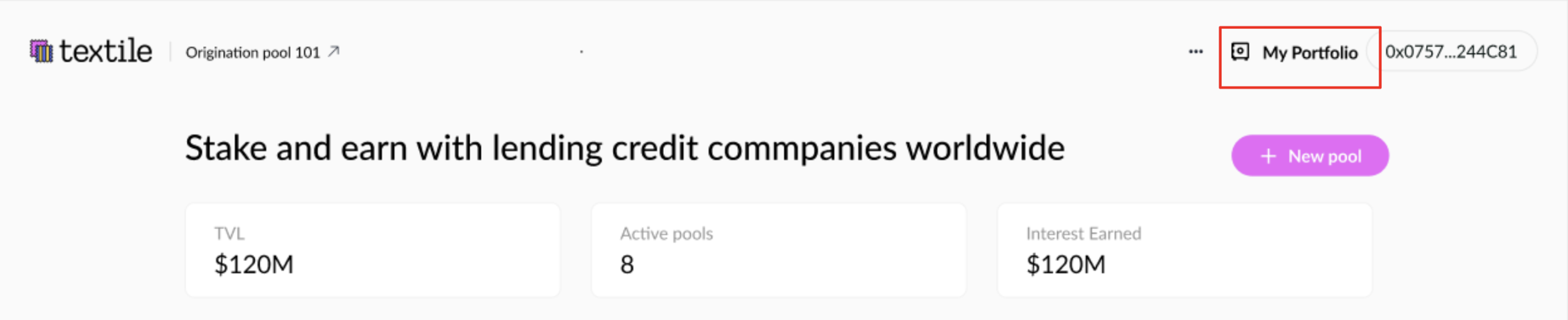
Go to My Portfolio.
If you are both a borrower and a lender, your default tab will be My Pools. Switch to Active Positions.
Under Staked Capital, you’ll see your active position and its total current value.
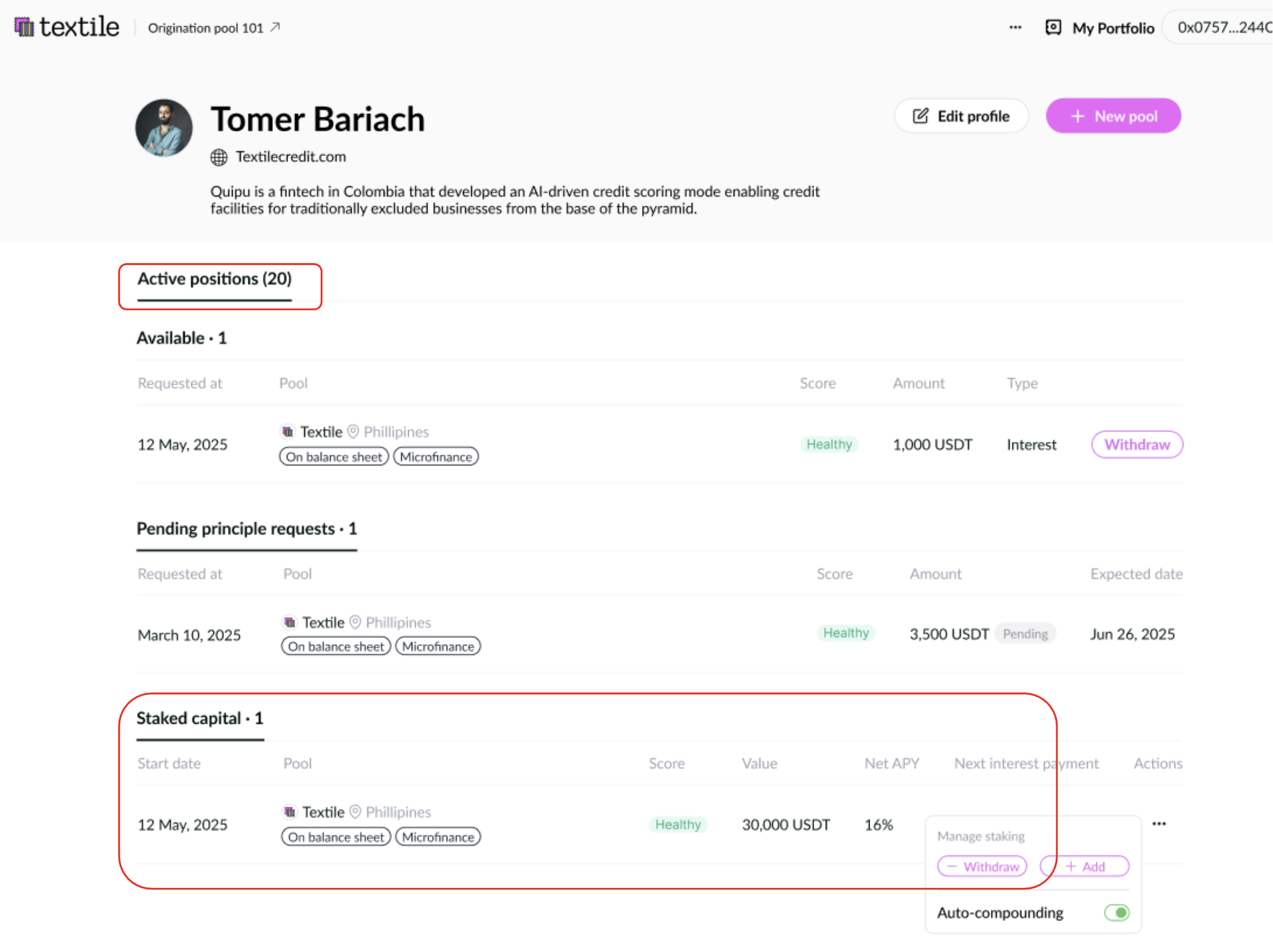
By default, Auto-compounding is ON — your interest is automatically added to your position.
If you turn off Auto-compounding:
- Your earned interest will appear under Available.
- You can withdraw it according to the pool’s interest payment interval.