
Appearance
How to Stake Capital Into a Pool
Staking capital allows you to become a lender in a borrower’s credit pool and earn interest. Follow these steps to deposit funds and receive Debt Tokens.
1. Go to the Pool Page
Navigate to the pool you want to stake into. You will see the pool’s details, terms, legal contract, and available liquidity.
2. Click “Add Liquidity”
This opens the staking panel where you can enter your deposit amount.
3. Enter the Amount You Want to Stake
Available shows your wallet balance in the selected token.
Min stake size is enforced automatically — you cannot deposit below the pool’s minimum.
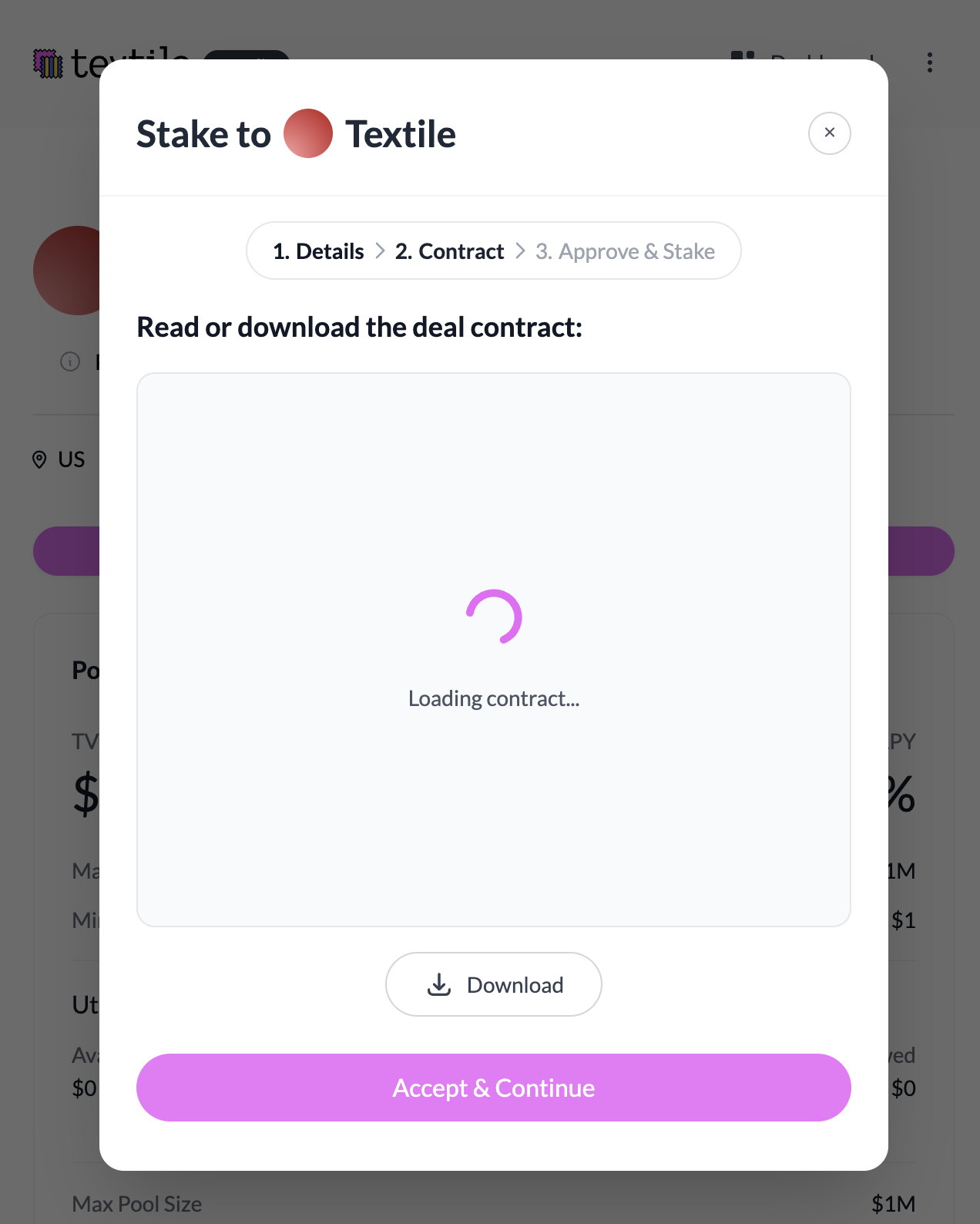
4. Review the Legal Contract
Before depositing, confirm:
- You read and approve the contract
- The entity in the contract matches the Entity Name displayed on the pool
- (If the entity does not match → do not stake.)
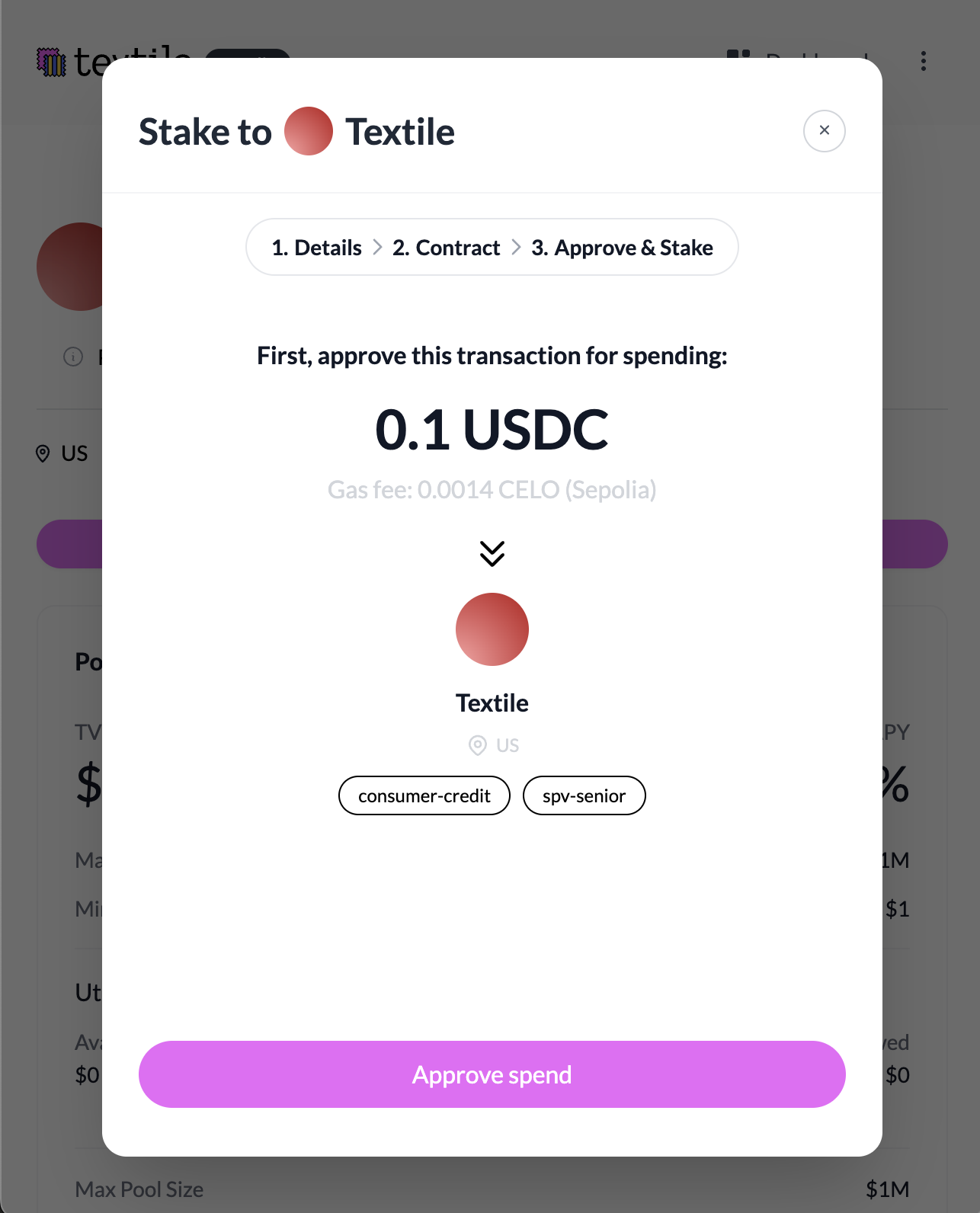
5. Approve the Token
- Click "Approve"
- Sign the approval transaction in your wallet
- This allows the pool to receive the funds.
6. Confirm the Deposit
- Click "Stake / Add Liquidity"
- Sign the staking transaction in your wallet
- Once the transaction confirms, you’ll receive Debt Tokens representing your share in the pool.
What Happens Next
- Your position appears under My Portfolio > Active Positions
- Interest begins accruing automatically when funds are borrowed
- You can request principal withdrawal according to the pool’s Redemption Period